Why an Arduino Simulator Belongs in a Rural STEM Lab
Before a child touches a wire, a simulator can let the idea become visible, testable, and a little less scary.
64.7%
Indian schools with functional computer access in UDISE+ 2024-25

A simulator is not a replacement for the lab. It is the practice ground that helps a student enter the lab with a question, a plan, and the courage to debug.
The first spark can happen on screen
Picture a student in Class 6 seeing a breadboard for the first time. The holes look identical. The wires look like a puzzle. The Arduino board has more labels than a child can hold in memory. A good teacher can slow the room down, but the first feeling can still be confusion.
A simulator changes that first moment. The student can place an LED, connect a resistor, press run, and watch the result without breaking a part or waiting for the only kit in the room. If the LED does not glow, the student can try again in seconds. The lesson becomes less about fear and more about cause and effect.
That matters in rural schools where every kit has to last. Real hardware is precious. A simulator gives students the repetition that mastery needs while saving the physical kit for the moment when the idea is ready to become real.
The invisible becomes teachable
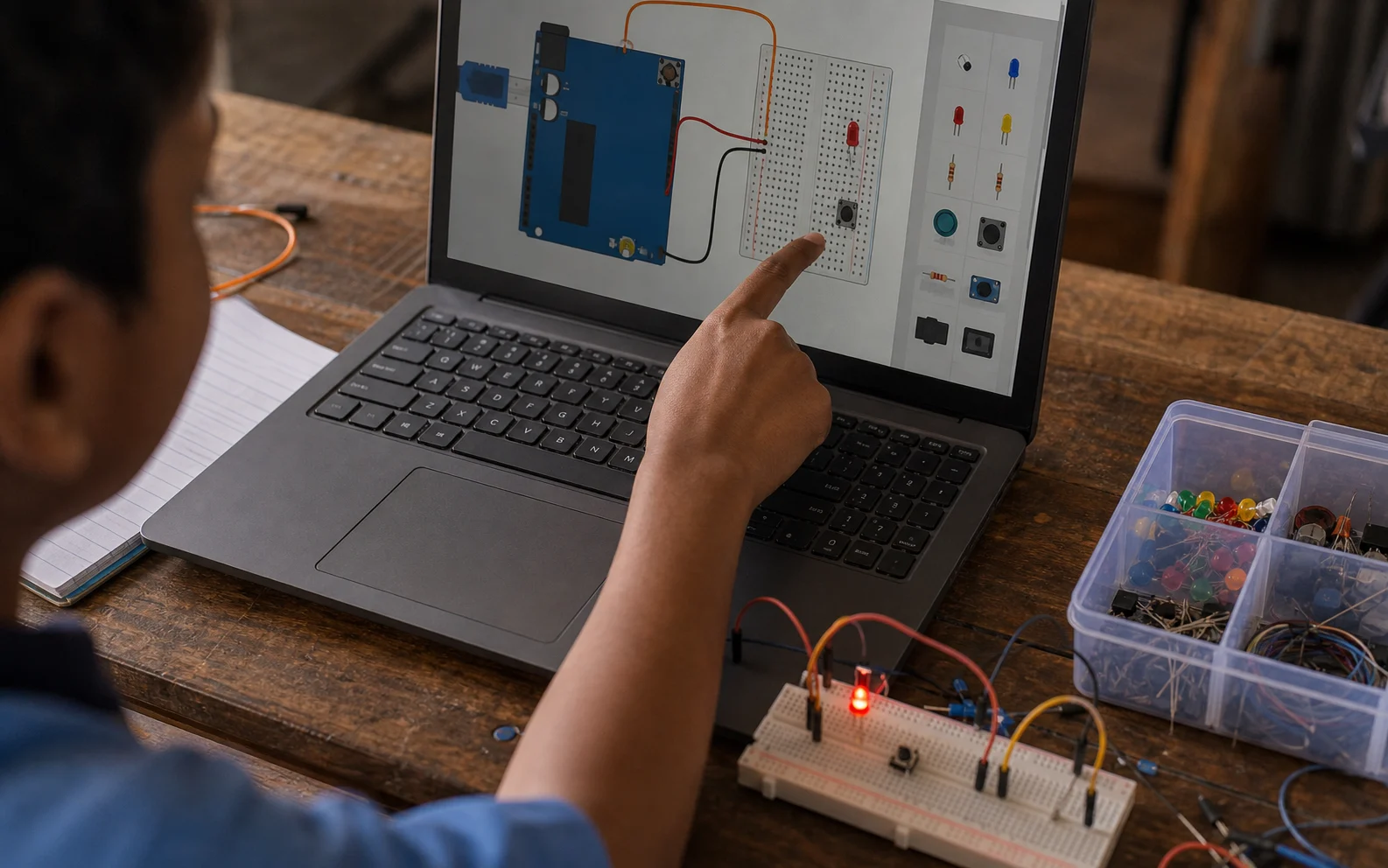
Electricity is difficult for children because so much of it is hidden. They cannot see current move through a wire. They cannot see why a missing ground breaks the whole circuit. They cannot see why a pin marked output behaves differently from a pin marked input.
A well-designed Arduino simulator can make those hidden relationships easier to discuss. The teacher can pause the build, point to the digital pin, change one value, and ask the class to predict what will happen. The screen becomes a shared thinking surface. The physical circuit no longer has to carry the whole explanation by itself.
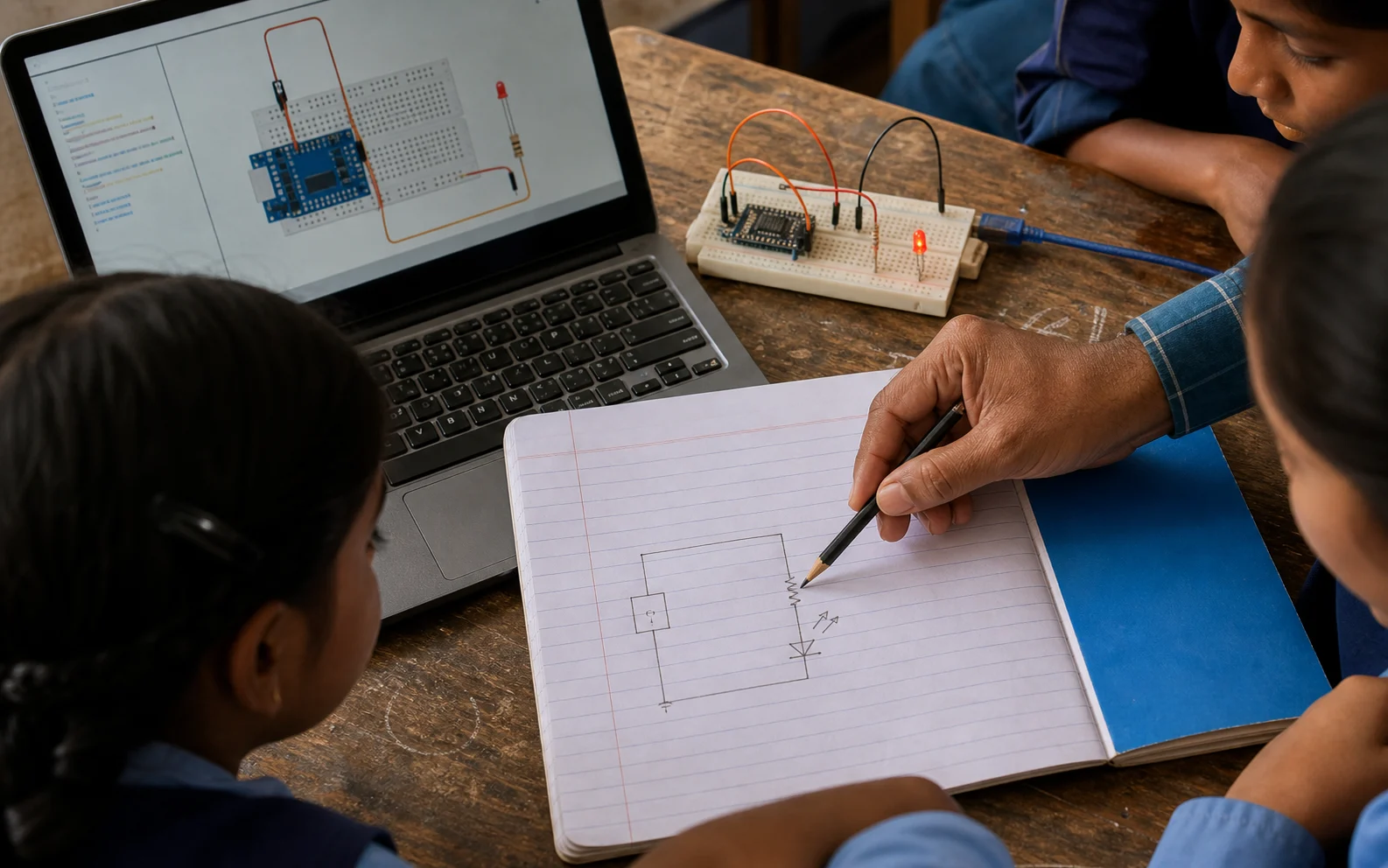
The strongest simulator lessons still end with hardware. Students should move from screen to desk, from diagram to wire, from a perfect model to a messy real object. That is where the deepest learning happens. The simulator simply gives them a clearer route into that mess.
- +Use the simulator for prediction before students touch the kit.
- +Let students break the virtual circuit on purpose and name the failure.
- +Move the same circuit to a real breadboard once the team can explain it.
- +Use screenshots as lab notes so students can compare model and hardware.
Practice should not depend on perfect infrastructure
India has made real progress in school digital infrastructure. UDISE+ 2024-25 reports functional computers in 64.7% of schools and internet access in 63.5%. Those numbers are encouraging, but they also remind us that digital learning is still uneven. A rural program has to work across shared devices, patchy connectivity, and classrooms where one laptop may serve many hands.
That is why SFI's simulator should be light, browser-friendly, and useful even when a lesson has to move slowly. A teacher should be able to open a simple circuit, run it, ask a question, and let students take turns. A student should not need a powerful machine or a city-style computer lab to understand what an input pin does.
The design challenge is not to build a flashy toy. It is to build a patient tool. The simulator should make the next right action obvious: choose a component, connect it clearly, run the circuit, see the response, then explain the result in plain language.
Why it fits the SFI classroom
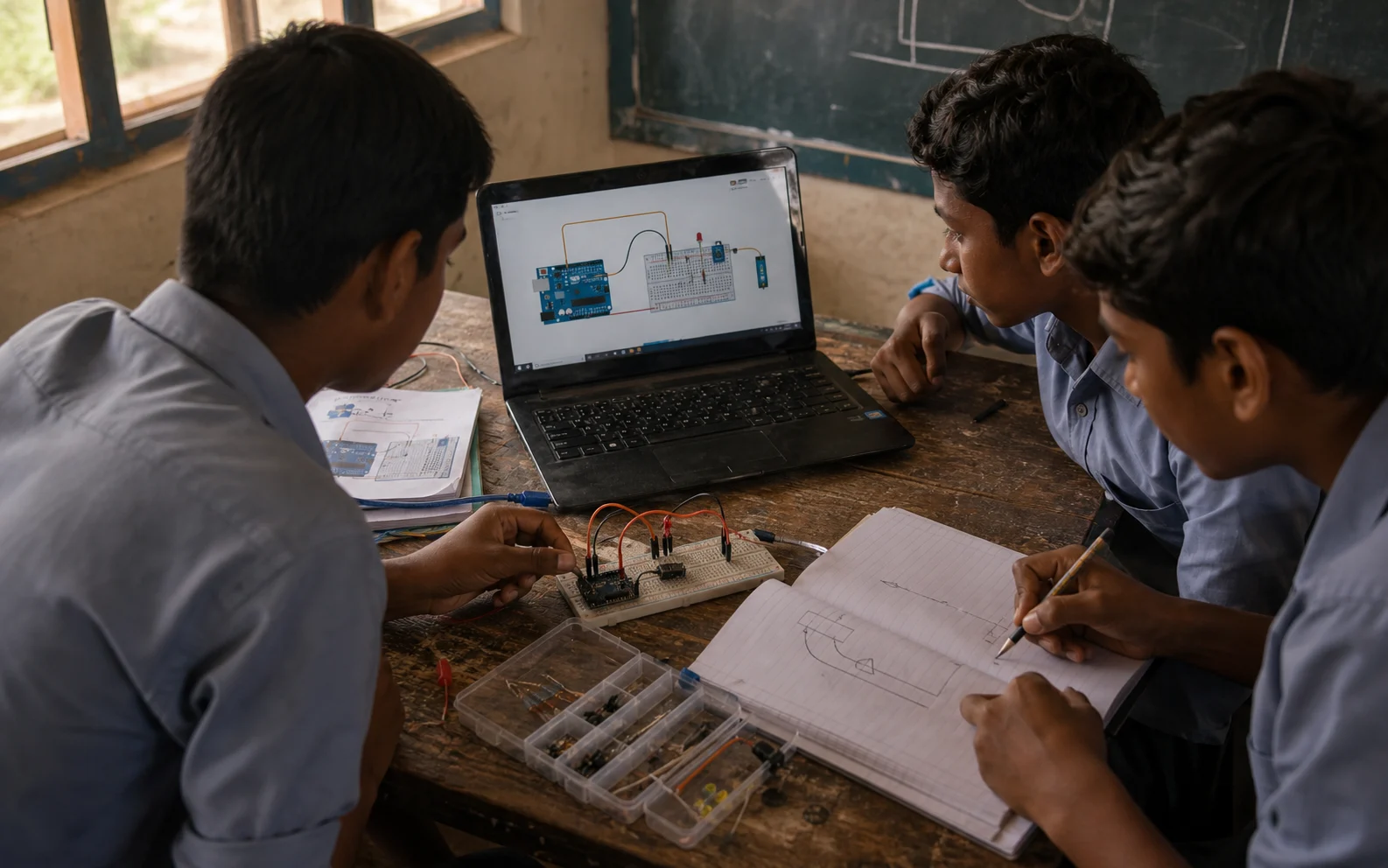
SFI works at the meeting point of digital confidence and hands-on science. The simulator belongs there because it connects the two. It teaches students that software can control matter, that a mistake can be studied, and that a circuit is a story with characters: power, ground, input, output, timing, and feedback.
For a young learner, the emotional value is just as important as the technical one. The first successful blink is small, but it tells the child, 'I changed something and the world answered.' That feeling is the seed of engineering.
A rural STEM lab should give students that feeling often. Sometimes it will come from a real LED glowing on a desk. Sometimes it will begin on a screen. The point is not the medium. The point is that the child learns to test an idea and trust the process of learning from what happens next.
Sources and further reading
Read next
All notesVillage Problems Make the Best STEM Projects
Why rural maker education should start with familiar problems and guide students toward prototypes they can explain to their own community.
Girls Need Protected Time With Tools
A practical case for designing rural STEM sessions where girls do not wait at the edge of the table while someone else builds.