From Smartphones to STEM Skills
Most rural youth now live near a smartphone. The next challenge is turning that contact into confidence.
90%+
Rural youth in ASER 2023 who reported knowing how to use a smartphone

A smartphone can be a screen, or it can be a lab notebook, camera, calculator, map, compiler, safety lesson, and bridge to a mentor.
The phone is already in the story
It is easy to imagine rural technology work as starting from zero. In many classrooms, that is no longer accurate. Students may not have laptops or a stable computer lab, but they have seen smartphones. They have watched videos, sent messages, played games, searched songs, and learned the gestures of the touchscreen world.
ASER 2023 found high levels of smartphone familiarity among rural youth aged 14 to 18, while also showing lower computer access and gender gaps in ownership and practical online tasks. That is the real opportunity. The phone is present, but its learning potential is unevenly distributed.
SFI can treat the smartphone as a bridge rather than a distraction. The goal is not to make phone use heavier. The goal is to make it more purposeful.
Passive use is not digital skill
Watching a science video is useful, but it is not the same as doing science. Searching for an answer is useful, but it is not the same as knowing whether the answer is trustworthy. Sharing notes is useful, but it is not the same as documenting an experiment clearly enough that another team can repeat it.
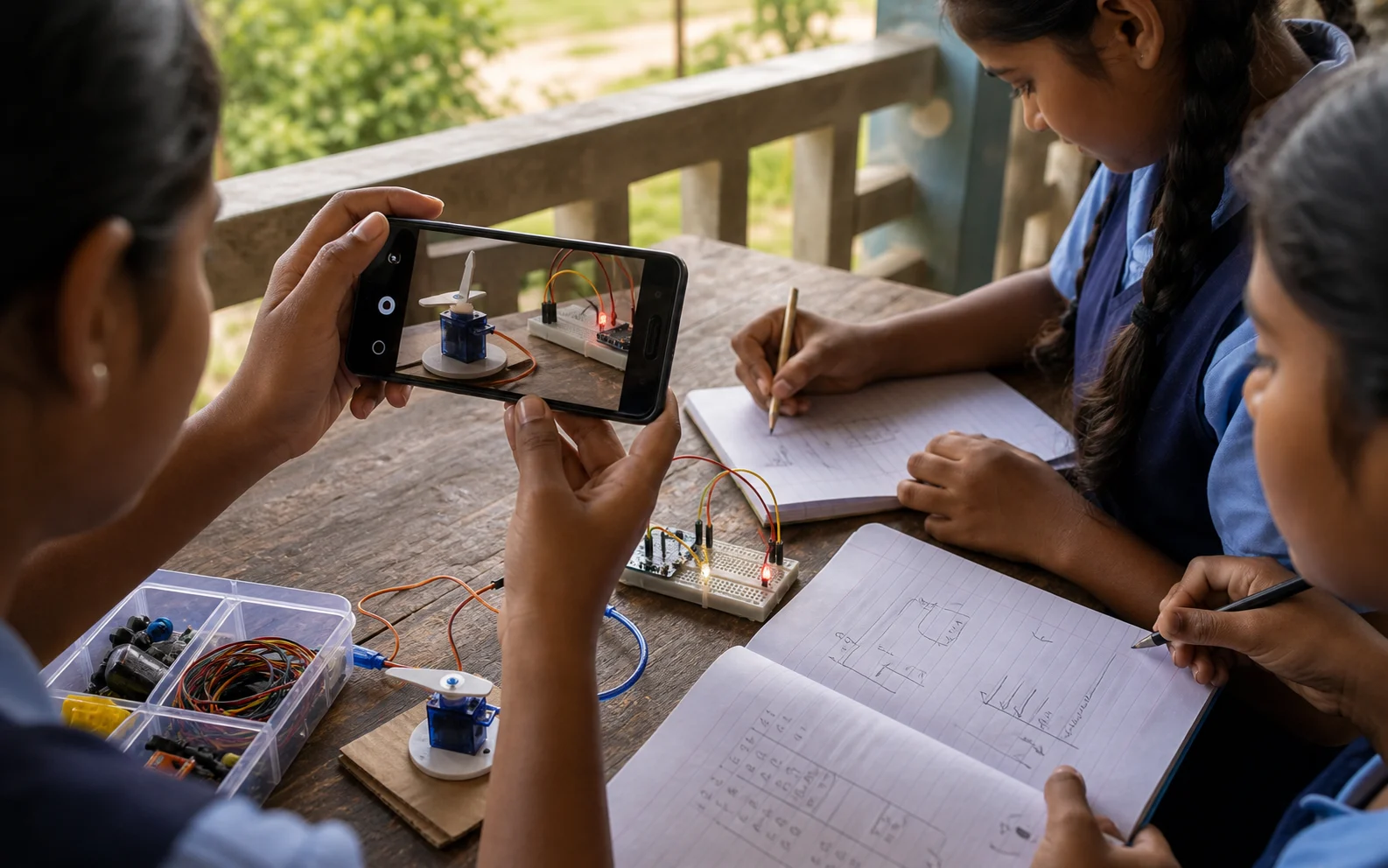
A strong rural STEM session can use one shared phone well. Students can photograph a circuit at each stage, time a servo sweep, scan a QR code for an offline worksheet, calculate resistor values, record a 30-second explanation, or send a question to a remote mentor. These are small moves, but together they build a different relationship with technology.
The most important shift is from consumption to creation. Students should not only receive content through a device. They should use the device to observe, measure, build, explain, and revise.
A better learning sequence
The safest way to convert phone access into skill is to design repeatable project loops. Each loop should have a clear output: a working LED circuit, a sensor reading, a short explanation video, a table of observations, a simple program, or a local problem map.
For example, a night-light project can start without code. Students first observe where darkness creates a problem at home or school. Then they learn input and output with a light sensor and LED. Next they use a phone to document readings in different places. Finally, they explain how the sensor changes the circuit's behavior. The phone supports the investigation instead of replacing it.
- +Use the camera as a lab notebook, not only for final photos.
- +Use search after prediction, so students compare their own model with outside information.
- +Use short voice notes for students who explain better orally than in writing.
- +Use mentor feedback on artifacts: photos, videos, circuit diagrams, and code snippets.
Designing for girls and shared access
The smartphone gap is not only about whether a phone exists at home. It is about who owns it, who controls it, who gets private time with it, and who is trusted to use it for learning. ASER 2023 found that males were more than twice as likely as females to own their own smartphone among surveyed rural youth who could use one.
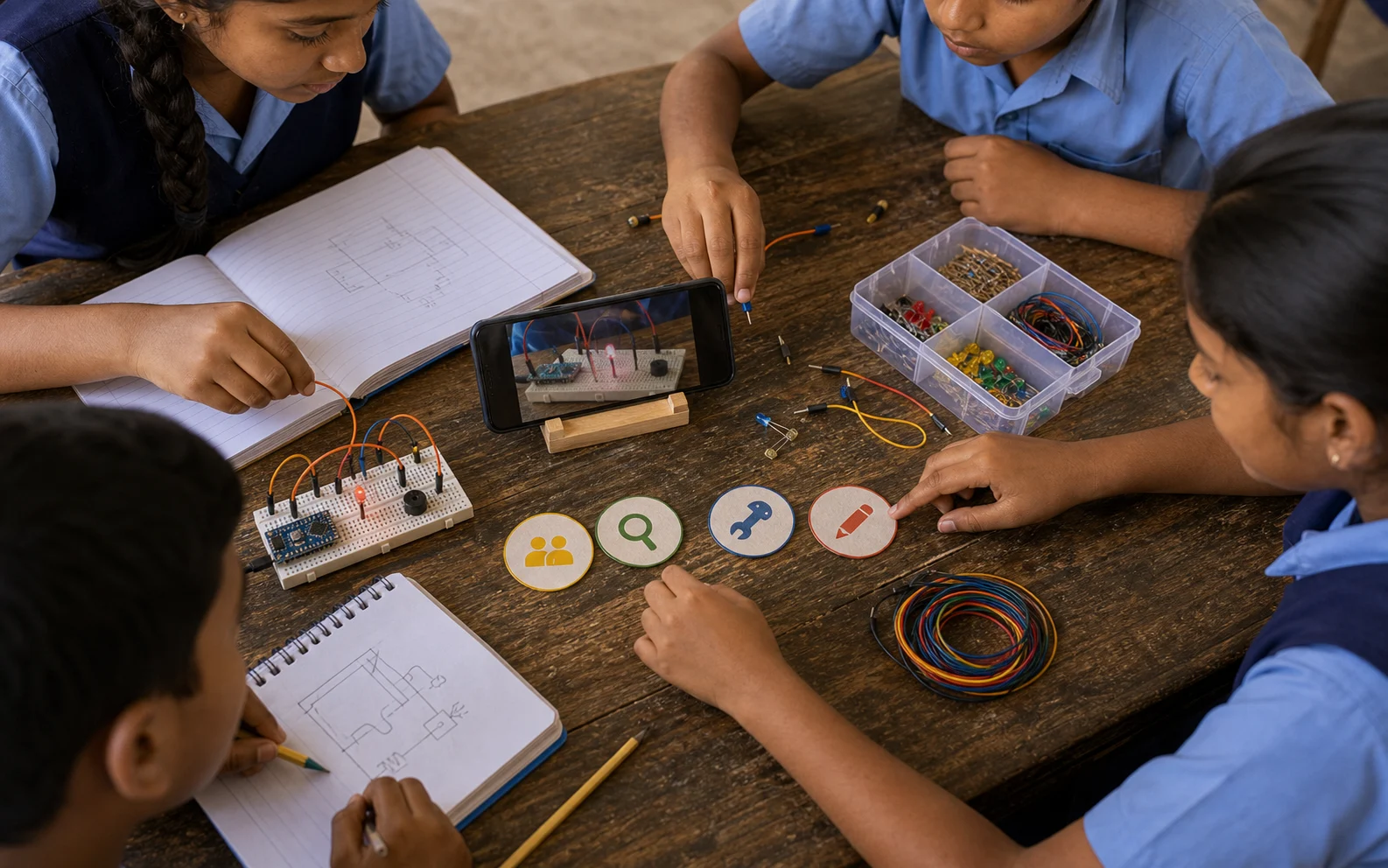
That should shape program design. Girls should not have to negotiate for access after the boys are done. Lab routines can protect rotating roles: device lead, circuit lead, note lead, presenter, debugger. When every role is visible and valued, access becomes more fair.
A good SFI session should make the phone a shared instrument, not a status symbol. The student holding the phone is not the 'tech person'. The team is using a tool.
What success looks like
Success is not more screen time. It is a student who can use a phone to learn something new, verify it, apply it to a build, and explain it to someone else. It is a girl who uses a map, a form, a search query, and a circuit photo with the same confidence as her brother. It is a teacher who knows how to use one phone with ten students without losing the class.
That is a realistic target. It does not require every child to own a laptop tomorrow. It requires carefully designed practice, patient mentoring, and projects that make technology feel useful in the student's own world.
Sources and further reading
Read next
All notesWhy an Arduino Simulator Belongs in a Rural STEM Lab
How browser-based circuit simulation can protect limited kits, help teachers explain invisible logic, and give rural students more chances to practice.
Village Problems Make the Best STEM Projects
Why rural maker education should start with familiar problems and guide students toward prototypes they can explain to their own community.